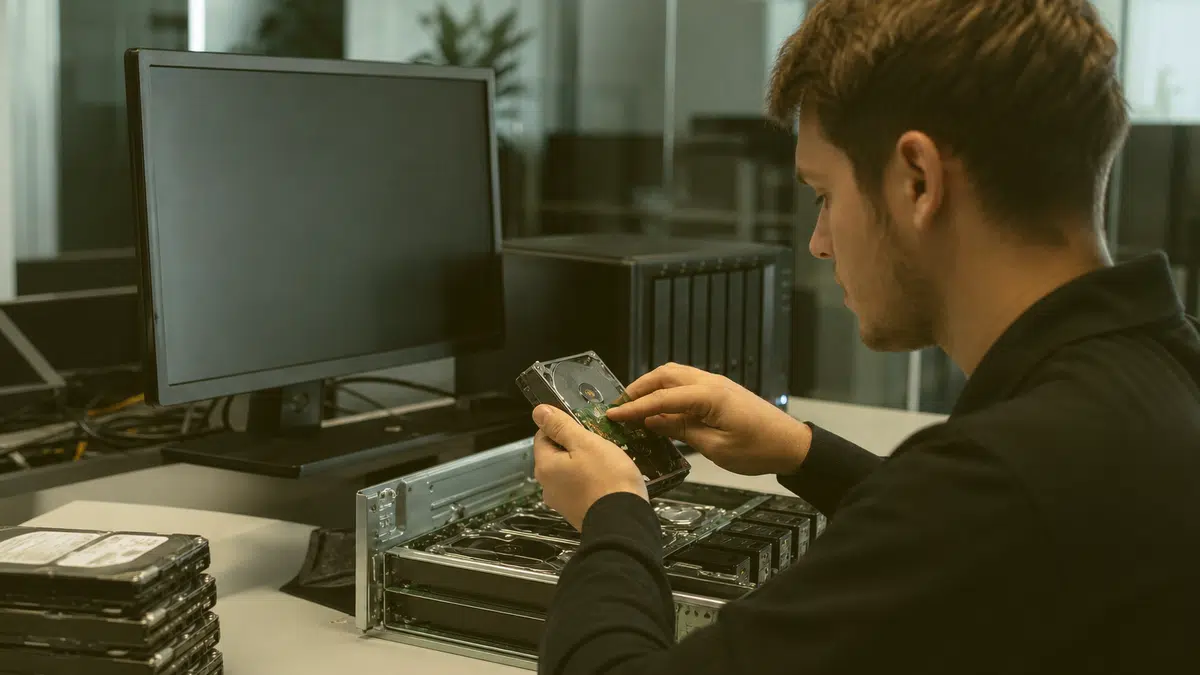
When your RAID array fails, every minute of lost access costs you productivity, revenue, and trust. We help Fredericksburg businesses rebuild, recover, and return to work with their critical data intact.
If you are dealing with storage failures beyond RAID arrays, you should know that this RAID data recovery service is part of our broader Data recovery service offering, which also covers single drives, SSDs, flash media, and mobile devices for businesses throughout the Fredericksburg area.
TL;DR: When your RAID array fails in Fredericksburg, VA, you need engineers who understand striped parity, rebuild logs, and controller metadata.
We recover data from failed NAS devices, server arrays, and multi-drive systems for businesses across the region, working to restore your files without the guarantees no one can honestly make.
A single drive failure in your RAID 5 should not mean panic.
But when a second drive drops during rebuild, or your RAID controller loses its configuration, your entire storage architecture can go dark.
For businesses in Fredericksburg, VA, this is not an abstract IT scenario.
It is a Tuesday afternoon when your file server stops responding, your SQL database disappears, and your team stares at a blinking amber light.
RAID data recovery in Fredericksburg VA demands more than software tools and hope.
IT requires understanding how your specific array was built: the stripe size, the parity algorithm, the controller's metadata layout, and the order in which drives were physically arranged.
Our engineers examine these elements methodically, working to reconstruct your logical volume and extract your data without compounding the damage.
Your RAID systems were built for redundancy, not invincibility.
The technology distributes data across multiple drives with parity information, so one failure does not take everything down.
But RAID is not backup.
Controller corruption, multiple simultaneous drive failures, firmware bugs, and human error during rebuilds can all collapse the array and leave you with disks that spin but no readable volume.
Unlike a standalone hard drive failure, where one device simply stops working, RAID failures often involve interdependent components failing in sequence.
Your RAID controller card may corrupt its configuration memory.
A power event may damage multiple drives' firmware simultaneously.
A hot spare may not activate automatically, forcing a manual rebuild under pressure.
Drive data recovery from RAID arrays is fundamentally different from recovering a single failed hard disk.
The data you need is not on one drive.
It is scattered across multiple devices in chunks, with parity calculations distributed according to your array's specific algorithm.
Reassembling this puzzle requires specialized hardware, custom software, and engineers who understand the mathematics of redundancy.
Our laboratory environment isolates each drive from your array and creates forensic clones using write-blocking hardware.
These clones protect your original media from any additional stress.
We then analyze the clone set to determine the array's original parameters: RAID level, stripe size in kilobytes, parity algorithm (left-symmetric, right-asymmetric, or proprietary variants), and the physical-to-logical drive mapping.
The scenario every RAID administrator fears is the second drive failure during rebuild.
Your RAID 5 array lost one disk, you ordered a replacement, and during the lengthy rebuild process, another drive developed unreadable sectors or failed entirely.
Now you have two failed drives in a parity scheme designed for one, and your volume is offline.
This is when you need to recover lost data under the most challenging conditions.
Sometimes the drives themselves are healthy, but the RAID controller has corrupted its configuration database or lost its NVRAM settings.
In these cases, your data remains physically intact on the disks, but there is no map to reassemble it correctly.
We encounter this frequently with older controllers whose batteries have failed, or with firmware updates that did not preserve configuration data.
No surprises - here's how the whole process runs, start to finish.
Identify which drives failed and in what sequence
Assess whether any drives show partial readability or intermittent detection
Determine if the failure is mechanical, electrical, firmware, or logical
Preserve the original drive order and labeling for reconstruction
Establish your recovery priorities: which data, which users, which applications
★★★★★ 5.0 from 28 Google reviews
My husband and I have a landscape company and having a computer for our business working without issues is very important. When an issue comes up and I give businets a call they are very professional and quick to respond, usually the same day. Which is very important too as I am computer illiterate 😏 I would give them 5 stars 🌟 🌟.🌟🌟🌟 Gale C.
Businets is Awesome. Always taking care of our computer issues when needed. Steven is the Best. 🙂
I so appreciate all Businets does! They are professional, responsive, proactive, and have a great team. When we wanted to make some significant upgrades to our infrastructure, they were right there guiding us through the process. When one of our employees clicked into a phishing email, they were very quick to isolate his machine and kept the rest of our machines safe. Highly recommend!
Our entire system was hacked by very a sophisticated, methodical, and devastating attack which included private business information. We called Businets in a complete panic! Luke came out and was hands down the best tech we have ever had. He systematically solved the problem and knew what he was doing every step of the way! I cannot tell you how thankful we are for his expertise and professionalism. Thank you, Luke! You made a very bad day turn into a very good one!
Businets has really saved us time, money and headaches! We highly recommend!
I have been using Businets at my company for a couple of years now and honestly I am not sure how I ever managed without them. They are always so helpful and prompt in helping with my issues. I highly recommend them!
When you contact us for RAID data recovery in Fredericksburg VA, we begin with a conversation, not a contract.
You describe what failed, when IT failed, and what you have already tried.
We explain what information we need, what risks exist, and what our assessment process involves.
There is no charge for this initial consultation, and no obligation to proceed.
Successful recovery means your data returned on new media, verified for integrity, and organized in a way you can immediately use.
We return your files in their original directory structure when possible, with documentation of any files that could not be recovered or that were recovered in damaged form.
You can inspect the results before accepting the return, ensuring the recovery meets your needs.
Recovery solves today's crisis, but prevention protects tomorrow's operations.
After we return your data, we discuss what led to the failure and how you can reduce recurrence risk.
This is not a sales conversation about replacing your infrastructure.
It is practical guidance based on what we observed in your specific situation.
Find your town on the list below.
Readers can consult the Microsoft Recover command guide for information about recovering failed disks and resynchronizing RAID volumes.
Your RAID array failure does not have to mean permanent data loss. Call our Fredericksburg recovery engineers at (540) 374-9244 to discuss your situation and begin the assessment process.
Professional network setup Fredericksburg VA for local businesses. We handle cabling, WiFi, security, and configuration so your team stays connected.
Looking for business IT support in Fredericksburg, VA? Get proactive, local help for your technology needs. Call now to protect your operations.
Businets Inc delivers Penetration testing Fredericksburg VA for local businesses: proactive monitoring, around-the-clock helpdesk coverage, and local technicians you can reach.
Businets Inc delivers Data recovery consultation Fredericksburg VA for local businesses: proactive monitoring, around-the-clock helpdesk coverage, and local technicians you can reach.
Google review
Businets is Awesome. Always taking care of our computer issues when needed. Steven is the Best. 🙂
Google review
I so appreciate all Businets does! They are professional, responsive, proactive, and have a great team. When we wanted to make some significant upgrades to our infrastructure, they were right there guiding us through the process. When one of our employees...
Google review
Our entire system was hacked by very a sophisticated, methodical, and devastating attack which included private business information. We called Businets in a complete panic! Luke came out and was hands down the best tech we have ever had. He systematically...
Google review
Straight answers to what Fredericksburg businesses ask before working with Businets Inc.
RAID arrays fail from controller corruption, firmware bugs, power events affecting multiple drives simultaneously, human error during rebuilds or expansion, and backplane or cable degradation. The redundancy protects against single-drive failure, but not against these systemic or sequential problems.
Two drive failures in RAID 5 exceed the array’s redundancy capacity, but recovery may still be possible depending on failure timing and drive condition.
If one drive failed completely and the second has partial readability, we can sometimes use parity information to reconstruct missing data.
Complete assessment is required to determine feasibility.
Recovery duration varies widely based on array size, drive count, failure mechanism, and whether drives require mechanical repair before imaging.
Small arrays with logical failures may resolve in days; large enterprise SANs with multiple mechanical failures can extend to weeks.
We provide time estimates after initial assessment.
We maintain strict confidentiality protocols including secure facility access controls, encrypted data handling, and staff background screening. Your data is never accessed beyond what is technically necessary for recovery, and all media is returned or securely destroyed per your instructions.
We strongly advise against DIY rebuild attempts. Incorrect drive ordering, forcing online a degraded array, or running automatic rebuild utilities can overwrite metadata and reduce recovery chances. Power down the system, label drives by bay position, and contact us before taking further action.
My husband and I have a landscape company and having a computer for our business working without issues is very important. When an issue comes up and I give businets a call they are very professional and quick to respond, usually the same day. Which is...