
Switching your business phone system is a decision that touches every employee, every customer call, and every monthly budget line. For Fredericksburg, VA businesses evaluating Nuso phones, the question is not just whether the technology works, but whether it fits your specific workflow, infrastructure, and growth plans.
See our Nuso business phones page and our VoIP phone systems in Fredericksburg.
This guide walks through what Nuso phones are, how they compare to other VoIP options, and what local businesses in Fredericksburg should verify before making the move. We cover network readiness, feature mapping, total cost considerations, and the practical steps that prevent a rushed migration from becoming a months-long headache.
Key takeaways from this article:
- Nuso phones are cloud-based VoIP handsets that require solid internet bandwidth and proper network configuration to perform reliably.
- Before switching, audit your current call volume, needed features like auto-attendant or voicemail-to-email, and whether your existing cabling supports PoE.
- A local implementation partner can test jitter, latency, and packet loss on your connection before cutover day.
- Post-migration support matters as much as the install: plan for user training, documentation, and a clear escalation path for audio quality issues.
What Nuso Phones Are and How They Work
Nuso phones are cloud-hosted VoIP desk phones that route calls over your internet connection rather than traditional copper lines. They typically come with a web-based management portal where administrators configure extensions, ring groups, and call routing rules without touching physical hardware at a phone closet.
For a Fredericksburg business, this means your phone system lives in a data center somewhere else, and your local network becomes the critical link. If your internet drops, your phones drop with it unless you have failover routing to mobile apps or backup connectivity.
Nuso Phone Switching Checklist for Fredericksburg Businesses
- ✓Test internet jitter, latency, and packet loss during business hours: Pass: jitter <30ms, latency <150ms, packet loss <1%
- ✓Verify PoE switch capability or plan for individual power adapters: Required for clean single-cable installation
- ✓Map current extensions, forwards, fax lines, and alarm/elevator lines: Document before any porting begins
- ✓Confirm auto-attendant, voicemail-to-email, and mobile app needs: Match to actual workflows, not default tier features
- ✓Request fully loaded sample invoice including taxes and fees: Avoid budget surprises after contract signing
- ✓Schedule number porting for low-call-volume day: Minimize customer impact during brief transition window
- ✓Plan user training session before hardware arrives: Reduce day-one help desk tickets
- ✓Arrange pilot group cutover before full rollout: Surface and fix issues with limited risk
Use this checklist during your evaluation phase, not after you have signed. Early verification prevents costly rework.

Network Readiness Checks Before Any VoIP Migration
Voice traffic is unforgiving. Jitter above 30 milliseconds, latency above 150 milliseconds, or packet loss above 1% will show up as choppy audio, delayed responses, or dropped calls that frustrate customers and staff alike.
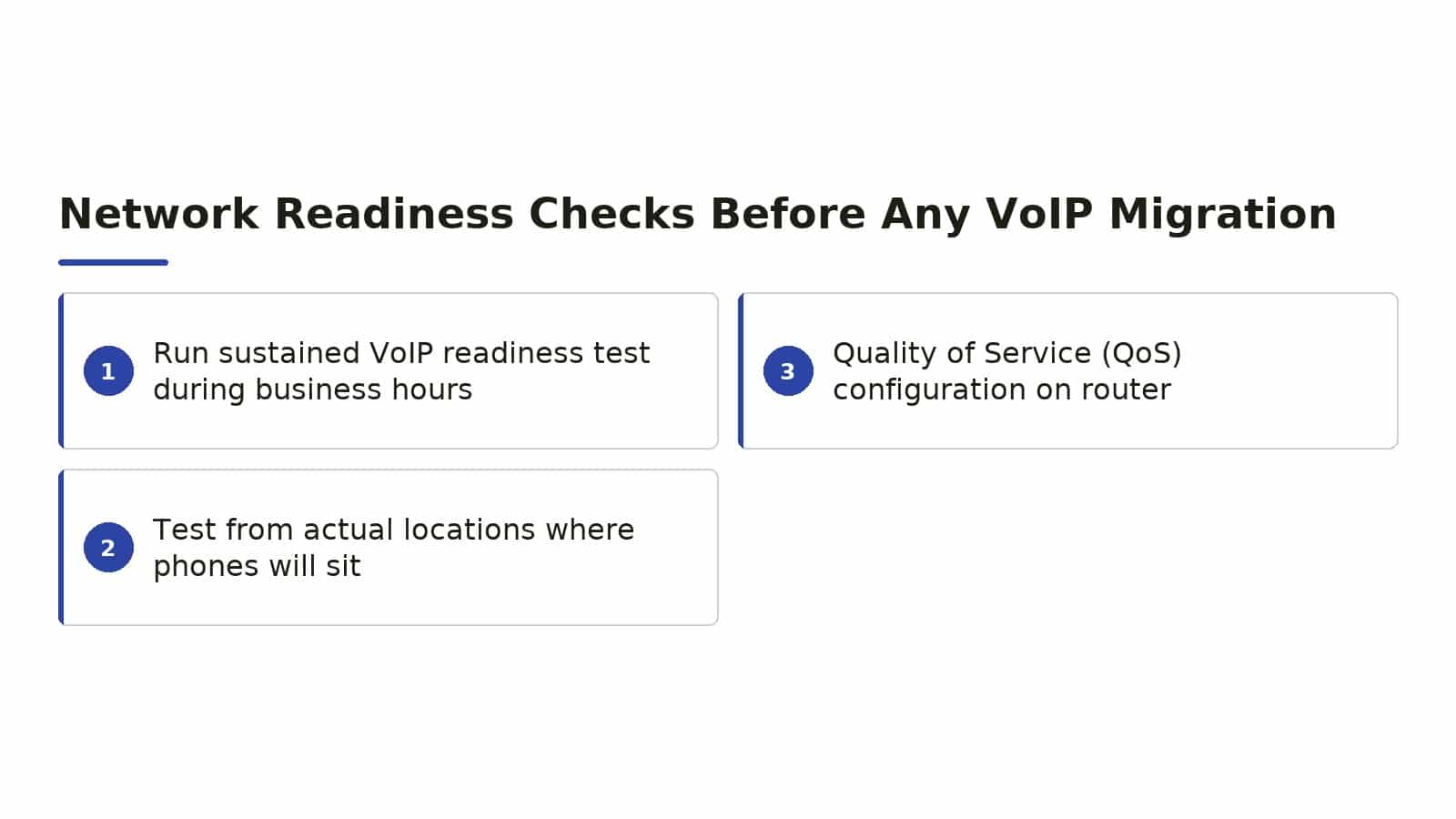
Run a sustained VoIP readiness test during business hours, not at midnight when your bandwidth is idle. Test from the actual locations where phones will sit, because a conference room at the end of a long cable run may perform differently than the front desk.
Quality of Service (QoS) configuration on your router is essential. Without it, a large file upload or video stream can stomp on a live call.
Most business-grade routers support QoS, but consumer or entry-level gear often lacks the granular control that voice requires.
Power over Ethernet (PoE) switches simplify installation by delivering both data and power through one cable. If your current switches do not support PoE, you will need either new switches or individual power adapters for every phone, which adds clutter and failure points.
Feature Mapping: What Your Business Actually Needs
Auto-attendant and interactive voice response (IVR) sound impressive in demos, but a three-person law office may need nothing more than direct dial with voicemail. Map features to actual workflows before you pay for a tier that includes tools you will never use.
Call recording is valuable for training and dispute resolution, but it raises storage and compliance questions. If you serve regulated industries or handle sensitive data, understand where recordings live, how long they are retained, and who can access them.
Voicemail-to-email and mobile twinning are productivity features that employees often request after the fact. Confirm these are included in your plan, not bolt-on licenses that surprise you on the first invoice.
Conference bridging, call queues, and CRM integration are common differentiators between tiers. A real estate brokerage with four agents sharing leads needs call distribution logic that a solo accounting practice simply does not.

Total Cost and Contract Structure Considerations
Cloud phone pricing usually blends per-user monthly fees, hardware costs, and implementation charges. A quote that looks attractive on a per-seat basis can balloon once you add the phones, installation, number porting, and training.
Number porting from your existing carrier typically takes one to four weeks and requires accurate account information. A rejected port because of a mismatched billing telephone number or PIN can delay your go-live date and force you to maintain two systems temporarily.
Contract terms vary widely. Some providers lock you into multi-year agreements with escalating rates, while others offer month-to-month flexibility at a slightly higher per-user cost.
Understand the cancellation terms, especially whether you own the hardware or must return it.
Local taxes and regulatory fees on VoIP services can add 10% to 25% to the quoted rate depending on jurisdiction. Ask for a fully loaded sample invoice, not just the base rate, so your budget reflects reality.
Implementation and Cutover Planning
A phased cutover reduces risk. Move one department or a pilot group first, iron out the audio quality and routing issues, then expand.
An all-at-once switch on a Friday afternoon leaves you with no rollback option if Monday morning reveals problems.
Document every extension, every forward, every fax line, and every alarm or elevator line tied to your current phone numbers before you start. These ancillary services are easy to overlook and painful to rediscover after the old lines are disconnected.
Train users before the phones arrive, not after. A 30-minute session on the new interface, including how to transfer calls, set do-not-disturb, and check voicemail from the mobile app, prevents a flood of help-desk tickets on day one.
Schedule porting for a low-call-volume day if possible. Even smooth ports involve a brief window where inbound calls may not connect, and you want that window when your customers are least likely to need you.

How Businets Inc Helps Local Businesses with VoIP Phone Systems
Businets Inc is a hands-on team of engineers and technicians who have been keeping Virginia businesses connected since 1995. We are based in Fredericksburg, VA and provide managed IT services, cybersecurity solutions, and VoIP phone systems sized and installed by our team.
Our local help desk answers in minutes, not days, because we know that a phone issue is not a ticket to queue, it is a conversation that is not happening right now. We work with Grandstream and Zultys business phone systems, and we bring the same network engineering discipline to every VoIP deployment that we apply to our managed IT and security engagements.
Mike Snellings, our Telecom Sales Rep and Technician, handles site surveys and pre-installation testing to confirm your cabling, switches, and internet connection are ready before cutover day. Walter Scott, Network Engineer and Partner, and Stephen Tate, Service Manager and Network Engineer, oversee the technical architecture and QoS configuration that keeps call quality consistent.
If you are evaluating Nuso phones or any other VoIP platform for your Fredericksburg business, we can run the readiness tests, map your feature requirements, and either implement the system you have chosen or recommend an alternative that fits your infrastructure and budget. Our goal is a phone system you do not have to think about, because it just works.
Frequently Asked Questions
What internet speed does my Fredericksburg office need for Nuso phones?
A single VoIP call typically consumes about 100 kbps in each direction. For ten simultaneous calls, plan on at least 2 Mbps of dedicated upload and download capacity, with headroom for your other traffic.
Run a sustained test during business hours to confirm your actual available bandwidth, because advertised speeds and real-world performance often differ.
Can I keep my existing phone numbers when switching to Nuso phones?
Yes, number porting is standard, but it requires accurate account information from your current carrier and typically takes one to four weeks. Submit the port request early, verify all details match your current bill exactly, and avoid scheduling the cutover until you receive firm confirmation from the gaining carrier.
What happens to my phones if the internet goes down?
Cloud-based VoIP phones need internet to function. Most systems offer mobile app failover that rings your cell phone, or you can configure call forwarding to external numbers.
For businesses that cannot afford any downtime, a secondary internet connection with automatic failover is the most reliable safeguard.
Do I need new network equipment for Nuso phones?
You may need a PoE-capable switch if your current one lacks Power over Ethernet, and you will need a router that supports QoS prioritization for voice traffic. During our site surveys, we test your existing gear and recommend upgrades only where they are genuinely needed, not as a default add-on.
How long does a typical VoIP migration take for a small business?
Planning and porting take two to four weeks for most small offices with ten to twenty seats. The physical installation and cutover itself usually happen in a single day if the network is ready and numbers have ported successfully.
We always recommend a pilot group first to surface any issues before the full rollout.
What should I look for in a local VoIP implementation partner?
Look for a partner who tests your network before quoting hardware, who documents your current call flows before changing them, and who provides local support with technicians who can be on-site when remote troubleshooting is not enough. A partner who also manages your IT infrastructure can coordinate the phone system with your broader security and backup strategy.

About the author
Robert Buongiorne - Owner
Robert Buongiorne is the president of Businets Inc, a Fredericksburg, Virginia IT company he founded in 1994. A lifelong Fredericksburg resident with more than 30 years in IT, he built the business from a one-person operation into a team that has kept Virginia businesses connected since 1995.