0
+

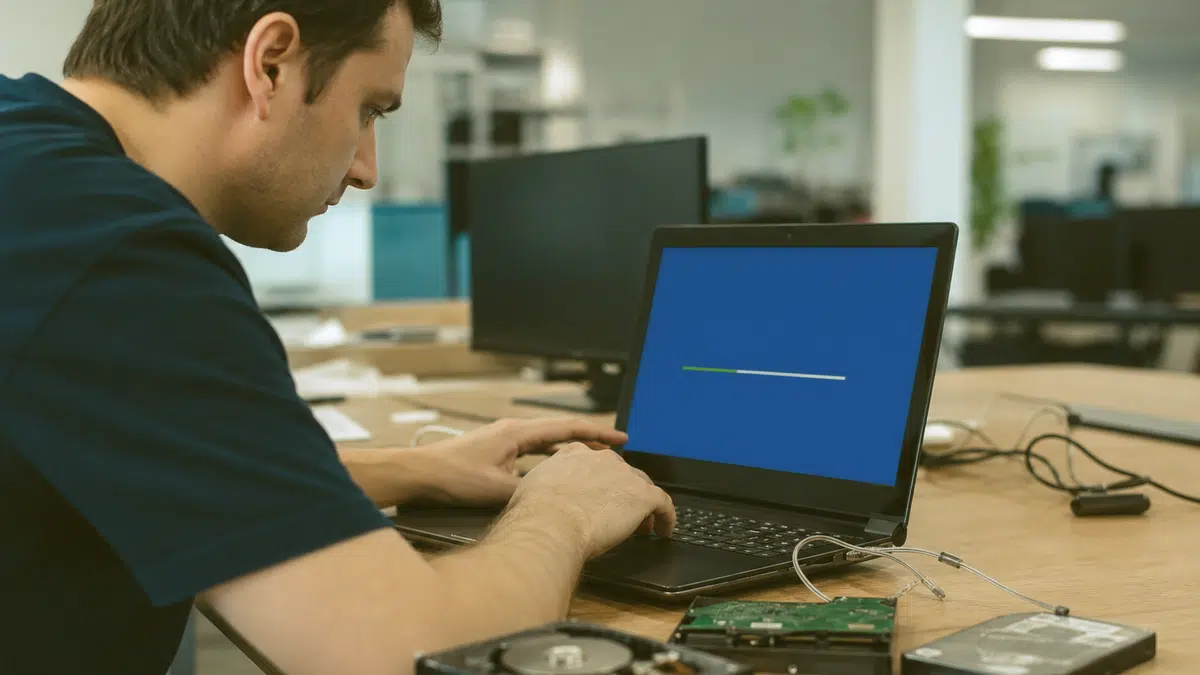
Professional setup, configuration, and support so your computer works exactly how you need IT to.
If your needs extend beyond operating system work, explore our broader Computer service offerings for complete hardware and software support tailored to your environment.
TL;DR: You need a working computer, not a weekend of frustration. Our operating system installation service in Fredericksburg, VA handles complete Windows setup, driver configuration, data migration, and security hardening so your PC or laptop is ready to use without the headaches of DIY installs.
A fresh operating system install sounds simple until you are staring at a blue screen, missing network drivers, or realizing your printer no longer talks to your computer. Whether your hard drive failed, you are upgrading from an older Windows version, or your system is bogged down by years of clutter, starting clean is often the smartest path forward. The problem is that modern operating systems are complex ecosystems, not single files you copy and forget.
You deserve a computer that boots quickly, connects reliably, and keeps your data secure. That is where professional operating system installation makes the difference. We work with businesses and home users throughout Fredericksburg and the surrounding area, handling everything from basic Windows reloads to complete system rebuilds with data preservation, application reinstallation, and personalized settings restoration. You get a machine that feels familiar but performs like new.

Your computer sends clear signals when it is time for a clean operating system installation. You might notice startup times stretching from seconds to minutes, applications freezing or crashing without warning, or mysterious error messages appearing during routine tasks. These symptoms often point to corrupted system files, deep-rooted malware, or registry bloat that no amount of cleanup software can fully resolve.
Signs You Should Stop Troubleshooting and Start Fresh

You might wonder what separates professional installation from the setup wizard you could run yourself. The difference lies in what happens before and after that wizard appears. We begin by assessing your specific hardware configuration, identifying all components that need custom drivers rather than generic Windows defaults. Your motherboard chipset, graphics card, network adapter, and peripheral devices each require precise software to function at full capability.
Hardware Assessment and Compatibility Verification
Every successful operating system installation starts with knowing exactly what is inside your case. We document your processor generation, memory configuration, storage interface type, and peripheral connections. This inventory prevents the frustrating discovery that your new Windows version lacks drivers for a legacy printer or specialized industrial controller you depend on daily.
Data Preservation and Migration Planning
Your data has value that exceeds any hardware or software component. We catalog your user profiles, application databases, license keys, and custom configurations. Where direct migration is impossible, we document workarounds and provide clear instructions for rebuilding functionality. You receive a complete inventory of what transferred successfully and what requires your attention.
Post-Installation Security and Performance Tuning
A fresh operating system is only as good as its configuration. We disable unnecessary startup programs that slow your boot process, adjust power profiles for your usage patterns, and verify that Windows Update will maintain your system going forward. Security settings are hardened without breaking the workflows you rely on.
Your laptop faces unique challenges that desktop computers avoid. Thermal constraints, proprietary hardware designs, and compact component layouts mean that operating system issues on laptops often intertwine with physical hardware problems. A failing cooling fan can trigger thermal throttling that looks like software sluggishness. A loose SATA or NVMe connection can cause intermittent boot failures that resemble corrupted system files.
Common Laptop-Specific Installation Challenges
Here's the path your project follows, so nothing catches you off guard.
Proprietary recovery partitions that conflict with clean installation media
Missing chipset drivers preventing touchpad, keyboard backlight, or function key operation
Biometric authentication hardware requiring manufacturer-specific software stacks
Hybrid graphics configurations needing precise driver installation order
Battery management profiles that default to performance modes unsuitable for mobile use

Not every user needs the same Windows operating configuration. A home computer used for browsing, streaming, and occasional document editing has fundamentally different requirements from a workstation running CAD software, a point-of-sale terminal processing payments, or a development machine hosting multiple virtual environments. We tailor each installation to your actual workload rather than applying generic defaults.
Home and Small Office Configurations
You need reliability without complexity. We set up automatic maintenance windows, configure sensible security defaults that do not bombard you with permission prompts, and ensure your home network printers and shared storage connect reliably. Parental controls, if needed, are configured with age-appropriate restrictions that you can adjust as family needs change.
Business and Professional Workstation Setups
Your time has direct monetary value. We minimize configuration drift by documenting every change, establish consistent software deployment practices for multi-machine environments, and integrate with your existing backup and monitoring infrastructure. Remote access capabilities are configured securely, not through convenient but vulnerable shortcuts that expose your network to intrusion.
Virus infections often leave lasting damage that survives simple removal attempts. System file corruption, modified registry entries, and compromised user account profiles can persist even after antivirus software reports success. When you are facing this situation, troubleshooting virus aftermath becomes a critical prelude to any operating system installation decision.
When Viruses Make Reinstallation Unavoidable
Remote support tools have their place, but Fredericksburg computer service sometimes requires physical presence. When your machine will not boot at all, when network connectivity is the problem preventing remote access, or when hardware diagnosis demands hands-on inspection, local availability saves days of shipping delays or failed remote session attempts.
Find your town on the list below.
★★★★★ 5.0 from 28 Google reviews
My husband and I have a landscape company and having a computer for our business working without issues is very important. When an issue comes up and I give businets a call they are very professional and quick to respond, usually the same day. Which is very important too as I am computer illiterate 😏 I would give them 5 stars 🌟 🌟.🌟🌟🌟 Gale C.
Businets is Awesome. Always taking care of our computer issues when needed. Steven is the Best. 🙂
I so appreciate all Businets does! They are professional, responsive, proactive, and have a great team. When we wanted to make some significant upgrades to our infrastructure, they were right there guiding us through the process. When one of our employees clicked into a phishing email, they were very quick to isolate his machine and kept the rest of our machines safe. Highly recommend!
Our entire system was hacked by very a sophisticated, methodical, and devastating attack which included private business information. We called Businets in a complete panic! Luke came out and was hands down the best tech we have ever had. He systematically solved the problem and knew what he was doing every step of the way! I cannot tell you how thankful we are for his expertise and professionalism. Thank you, Luke! You made a very bad day turn into a very good one!
Businets has really saved us time, money and headaches! We highly recommend!
I have been using Businets at my company for a couple of years now and honestly I am not sure how I ever managed without them. They are always so helpful and prompt in helping with my issues. I highly recommend them!


Microsoft explains the built in recovery options in Windows, including reset and startup repair, which help when a computer will not start or keeps crashing.
Ready to stop fighting with your computer and start using it productively? Call us at 540-555-0100 or visit businets.com/fredericksburg to schedule your operating system installation and get your system running right.

WiFi setup Fredericksburg VA from a local team: coverage planning, secure network setup, and support for offices that need reliable wireless every day.

Managed security services Fredericksburg VA businesses trust for firewalls, threat detection, and monitoring from a local, hands-on team since 1995.

Businets Inc delivers Firewall installation Fredericksburg VA for local businesses: proactive monitoring, around-the-clock helpdesk coverage, and local technicians you can reach.

Network cabling Fredericksburg VA from a local team: structured cabling, clean installs, and dependable networks built to support your growing business.
Google review
Businets is Awesome. Always taking care of our computer issues when needed. Steven is the Best. 🙂
Google review
I so appreciate all Businets does! They are professional, responsive, proactive, and have a great team. When we wanted to make some significant upgrades to our infrastructure, they were right there guiding us through the process. When one of our employees...
Google review
Our entire system was hacked by very a sophisticated, methodical, and devastating attack which included private business information. We called Businets in a complete panic! Luke came out and was hands down the best tech we have ever had. He systematically...
Google review
Straight answers to what Fredericksburg businesses ask before working with Businets Inc.
Your installation includes hardware compatibility assessment, licensed operating system setup, driver installation and updates, security configuration, data migration from backup, application reinstallation, and functionality verification. We ensure your computer is fully operational and optimized for your specific needs before returning IT to you.
Most standard installations complete within one business day once we begin work. Complex scenarios involving extensive data migration, multiple application reinstallations, or hardware troubleshooting may extend this timeline. We provide realistic estimates after assessing your specific situation during intake.
You should not lose data when proper preparation occurs. We create verified backups before beginning any installation work and test their integrity. We discuss what can migrate automatically versus what requires manual reconstruction, so you understand your data status throughout the process.
Windows 11 has specific hardware requirements including TPM 2.0, Secure Boot capability, and supported processor generations. We verify your hardware compatibility before attempting installation. If your computer does not qualify, we discuss alternatives including Windows 10 with extended support timelines or hardware upgrade paths.
We provide both services and recommend the appropriate path based on infection severity. Targeted remediation works for contained infections, while widespread damage often warrants fresh installation. We explain our assessment honestly so you can make an informed decision about cost and downtime trade-offs.
We work with desktop PCs, laptops, all-in-one systems, and select specialized workstations from major manufacturers. Our experience covers both consumer and business-class hardware with particular attention to the integration challenges that laptops and compact systems present.
My husband and I have a landscape company and having a computer for our business working without issues is very important. When an issue comes up and I give businets a call they are very professional and quick to respond, usually the same day. Which is...